
Nova-FIS
Your instrument cluster still has things to say.
A small box hidden behind the head unit that writes whatever you choose on your cluster's original display. Without cutting a wire. Without changing anything that makes your car what it is.
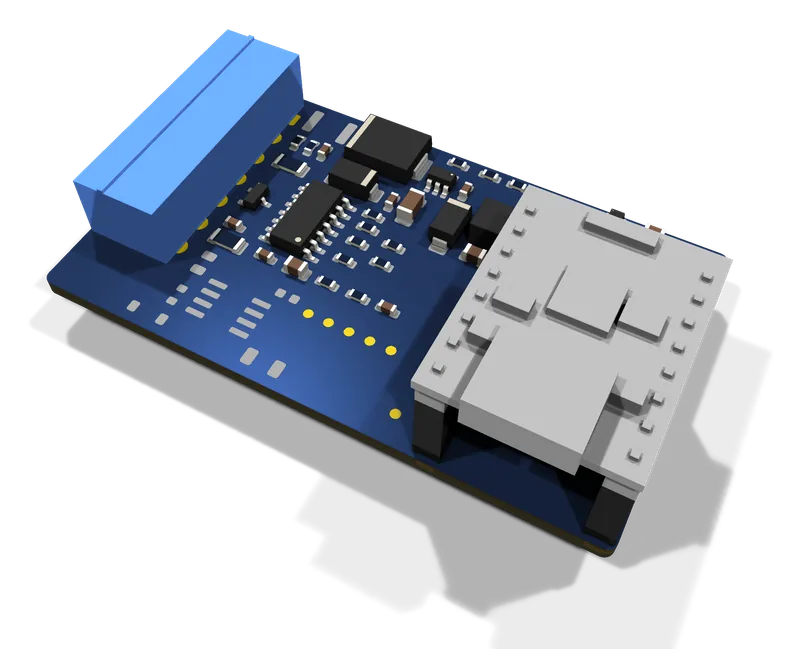
Design render of the board: tracks and markings deliberately hidden.
The display was already there. It was just waiting for someone to talk to it.
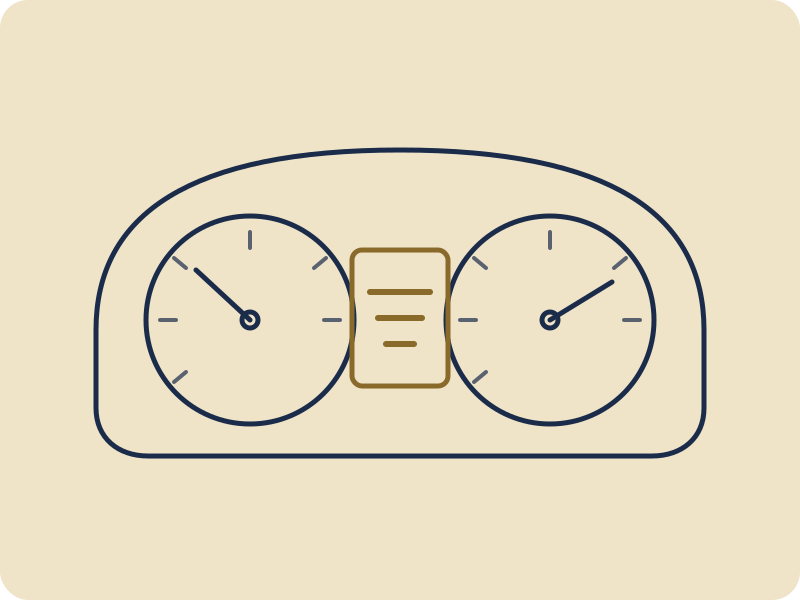
Your instrument cluster has a small display in the middle that only shows what the radio chooses to tell it. Nova-FIS teaches it to say something else: your own text, and later other information, chosen from your phone.
Spin it round.
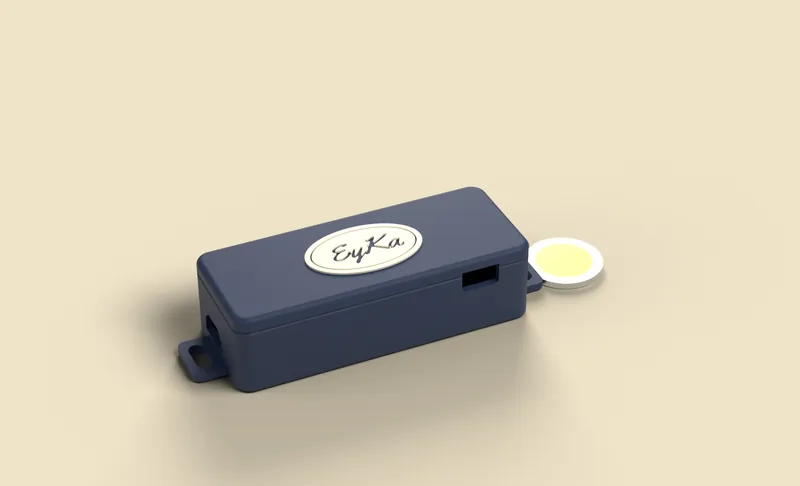
The prototype's v2 enclosure, straight off the 3D printer: shell, lid and badge. Closed, discreet, barely longer than a bank card.
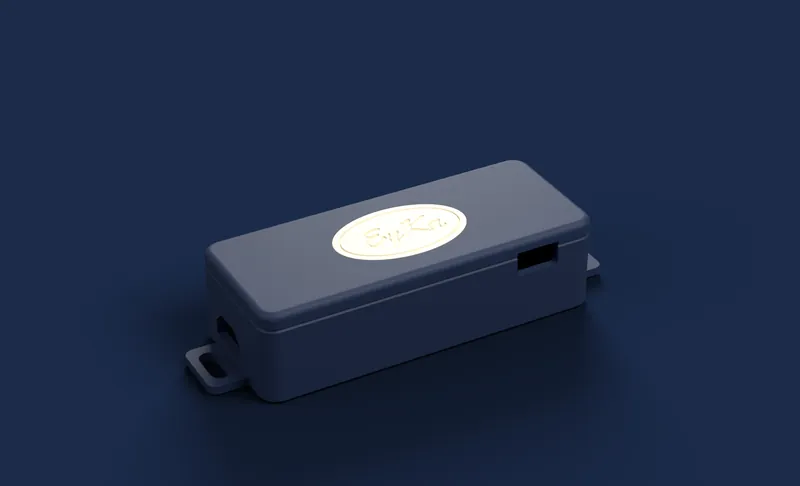
- Prototype enclosure (v2)
- About 98 × 39 × 27 mm (119 mm with the mounting tabs)
- Installation
- Between the radio and its original connector
- Settings
- From your phone
- Standby consumption
- Still to be measured on the prototype
3D-printed, built to last in a car.
A shell, a screw-on lid and a cream badge. The board sits at the bottom, and the USB-C port stays within reach for setup.
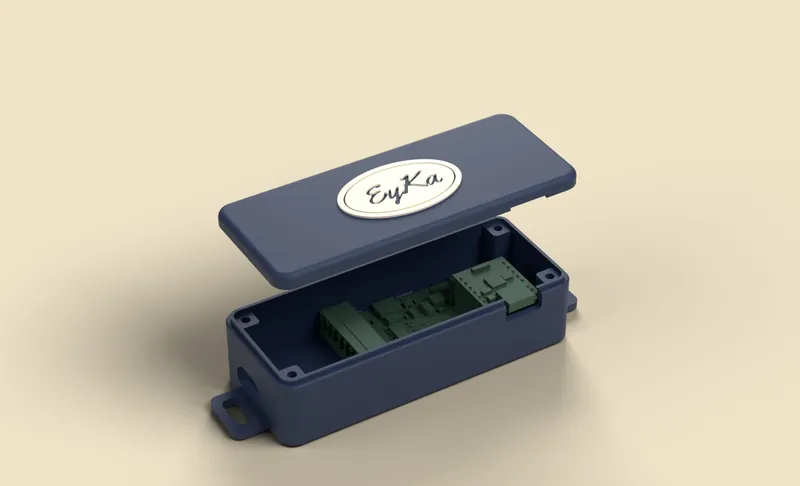
Your text first. The rest, we decide together.
The first goal is simple: the letters you choose, where there used to be only the station name. The other ideas are being studied, and your opinion sets the order.
- Your own text · first goal
- Time and date · being studied
- Outside temperature · being studied
- Song title · being studied
Simulated display examples. Features marked “being studied” haven't been built yet.
Can you take your radio out? Then you can install Nova-FIS.
Unplug the radio
Slide the original head unit out of its slot, just as you would to replace it. Nothing else to take apart.
Plug in the box
It sits between the radio and its original connector. No wires cut, no soldering in the car.
Set it up from your phone
You choose what the cluster display shows. The radio goes back in, and your car keeps its face.
An illustrated guide and a video are planned. Installation time: not measured yet.
Before you decide
Do I need to cut any wires?
No, never. The box plugs in between the head unit and its original connector. Unplug it, and everything is back as it was.
Is my car compatible?
The prototype is being tested on an Audi TT 8N. Other VAG group models from 1998 to 2006 are being studied, with no compatibility confirmed for now. Tell us your car in the survey.
Could it drain my battery?
The box is designed to go into standby while the car sleeps. We'll publish the consumption measured on the car.
When can I buy one?
No date or price yet. Leave your email in the survey if you'd like to hear first.
Want one? Tell us.
Your opinion decides the next compatible cars, the features and the price. The survey takes about 3 minutes.